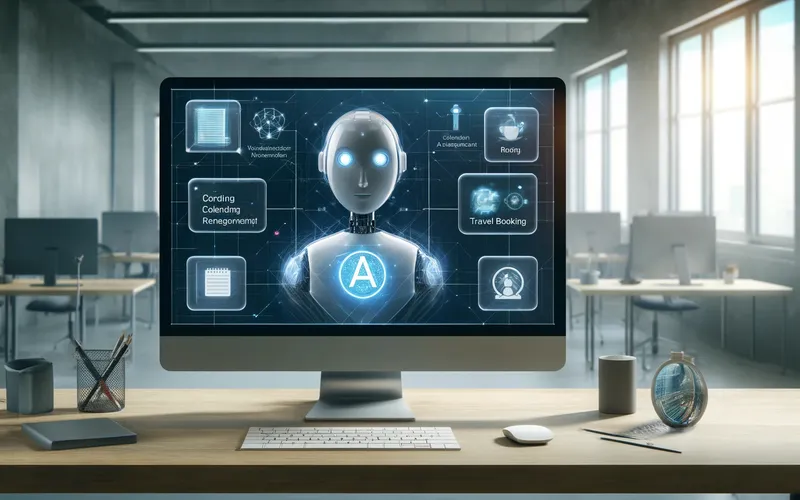
OpenAI just shipped a big Codex update, and the simplest way to understand it is this: Codex is moving from “coding assistant” to “full workflow agent.” Instead of only helping you write code in an editor, it can now interact with more of your actual tools, run longer tasks in the background, remember your preferences, and keep work moving across apps.
The announcement calls it “Codex for (almost) everything,” and that’s basically accurate. OpenAI says more than 3 million developers already use Codex weekly, and this update is meant to expand where Codex helps: not just writing code, but also reviewing pull requests, testing UI changes, working with project tools, and handling repetitive coordination tasks.
What happened
Several upgrades landed at once, and together they change what Codex can do day-to-day.
First, Codex now has background computer-use features on macOS. That means it can “see, click, and type” in apps with its own cursor while you keep doing your own work. OpenAI says multiple agents can run in parallel without interrupting your active apps. This is a big deal for tasks that don’t have neat APIs, like UI testing or repetitive app workflows.
Second, Codex now has a built-in browser. You can comment directly on pages to guide the agent, which is useful for frontend design and game development. If you’ve ever had to switch between browser notes, screenshots, and code comments just to explain one UI tweak, this is trying to fix that friction.
Third, Codex can now generate images using OpenAI’s image model. That means mockups, design assets, and product visuals can be created inside the same workflow as code and screenshots, rather than bouncing between tools.
Fourth, OpenAI added more than 90 additional plugins and integrations. The point here is context and action across your stack: things like Jira workflows, CI/CD, code review systems, docs, messaging, and cloud/dev tools. In plain terms, Codex can pull information from more places and do more useful follow-up work automatically.
Fifth, they expanded automations and added preview memory. Codex can now reuse existing conversation threads, preserve context, schedule future work, and wake itself up later to continue tasks. It can also remember preferences and prior corrections so you don’t have to repeat the same instructions every time.
Why it matters
Most AI tools today are still “single-turn helpers.” You ask, they answer, and then the context dies unless you manually rebuild it. This update pushes Codex toward continuity: ongoing tasks, saved context, and cross-tool execution.
That matters because software work is rarely one clean prompt. Real work is messy: PR comments, Slack questions, bug reports, docs feedback, test failures, and handoffs between teammates. If an AI can move through those systems with memory and automation, it’s less like autocomplete and more like a junior teammate that can keep a queue moving.
It also matters for speed and cognitive load. Developers often lose hours switching tools and rebuilding context. A lot of “work” is not hard engineering; it’s coordination overhead. Codex’s new direction is trying to remove that overhead by centralizing code, review, browser, files, terminals, and integrations in one agent-driven loop.
There’s a strategic shift here too: OpenAI is competing not just on model quality, but on workflow ownership. The model is important, but the real moat is becoming “the place where work happens.”
What it means for regular people
If you’re not a developer, this still affects you. Better developer tooling means software gets shipped and fixed faster, which usually means fewer broken features, quicker bug patches, and faster product updates in the apps you use every day.
For people in tech-adjacent roles, this kind of agent can also spill beyond engineering. If Codex can pull context from docs, messaging, and task tools, product managers, designers, and operations teams may start using similar workflows for status tracking, document updates, and recurring task coordination.
For workers generally, this is another sign that AI is moving from “chatbot answers” to “task execution.” That can be great for repetitive work, but it also changes expectations. Teams may expect faster turnaround because automation is available. The skill that becomes valuable isn’t just coding; it’s directing, checking, and managing AI-driven workflows.
The reality check
This is powerful, but it’s not magic and it’s not risk-free.
When an AI can click around your apps, use plugins, and run in the background, mistakes can have bigger consequences than a bad text answer. Wrong edits, wrong task updates, or misplaced automation can create real operational mess. Memory is useful, but stale or incorrect remembered preferences can also cause subtle errors over time.
There are also obvious security and governance questions: what data the agent can access, where that data is stored, how permissions are scoped, and how teams audit agent actions. Enterprises will care a lot about this before broad rollout.
OpenAI notes some features are rolling out in stages, with Enterprise/Edu and EU/UK availability following for certain capabilities. That staggered rollout usually means they’re still validating reliability and policy constraints while adoption grows.
Bottom line
What happened is bigger than a feature bump. OpenAI turned Codex into more of an operating layer for software work: cross-app actions, memory, automations, browser interaction, richer dev tooling, and long-running task continuity.
Why it matters is simple: this could reduce the “coordination tax” that eats huge chunks of modern knowledge work. For regular people, that likely shows up as faster software improvements and more AI-assisted workflows in many jobs, not just engineering.
The headline in plain English: Codex is trying to become less of a code helper and more of a work partner. If that execution is reliable, this is a meaningful shift in how software gets built.
Now you know more than 99% of people. — Sara Plaintext